
Authentication
The Ghaymah CLI stores credentials locally after you log in, so you only authenticate once per
machine. Credentials are cleared with gy logout.
Log in
Section titled “Log in”gy loginYou’ll be prompted for your email and password. You can also pass them as flags for non-interactive use:
gy login --email me@example.com --password "••••"Create an account
Section titled “Create an account”gy signupWith flags:
gy signup --email me@example.com --password "••••"Check who you are
Section titled “Check who you are”gy whoami✅ Logged in as you@example.com User ID: a1b2c3d4-5678-4abc-8def-1234567890abgy whoami (aliases gy status, gy me) is the fastest way to confirm your credentials are
valid before a deploy.
Log out
Section titled “Log out”gy logoutSign in on the web
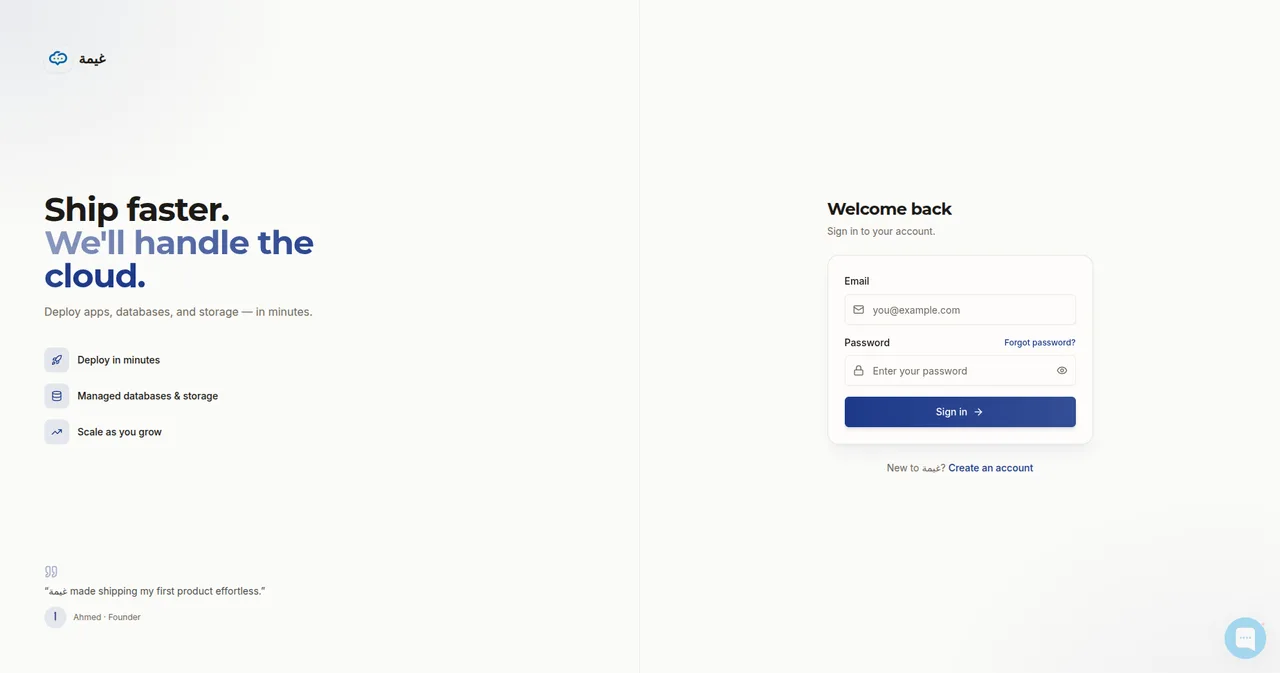
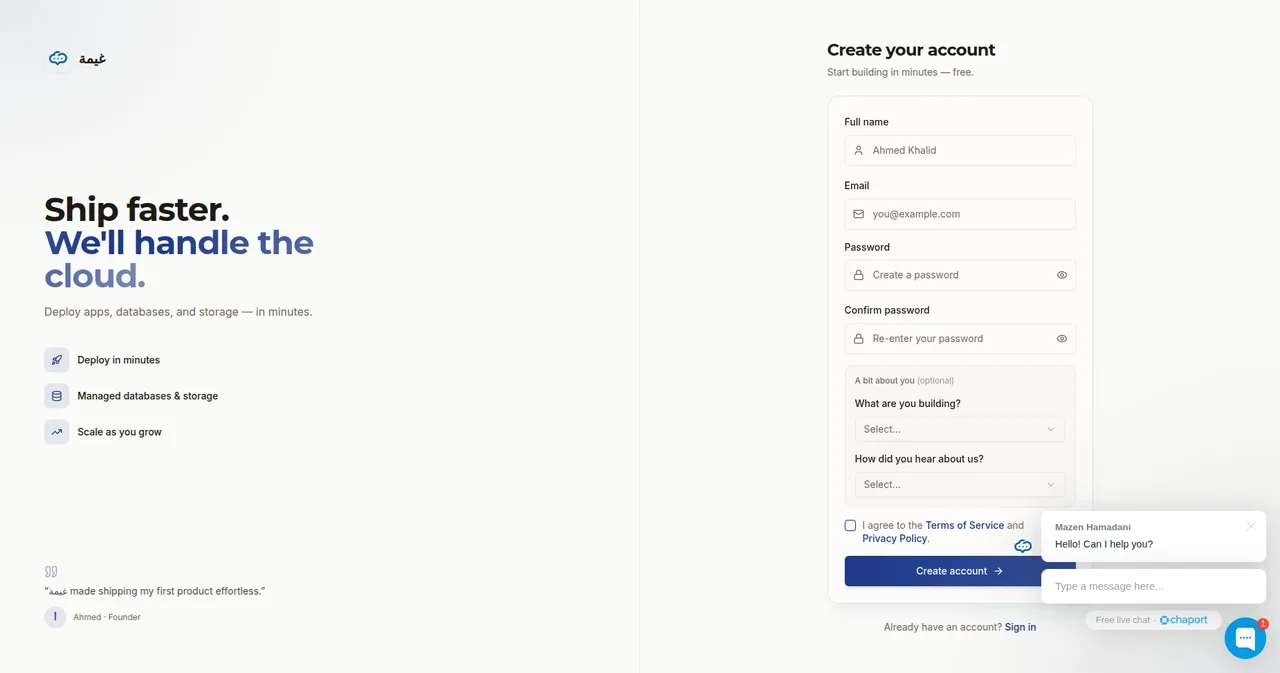
Section titled “Sign in on the web”You can also sign in (or create an account) from the dashboard instead of the CLI. It’s the same account, so anything you deploy in the dashboard shows up in the CLI and vice-versa.
Aliases
Section titled “Aliases”| Command | Aliases |
|---|---|
gy login |
gy l |
gy signup |
gy register |
gy whoami |
gy status, gy me |
gy logout |
gy lo |