
Integrations
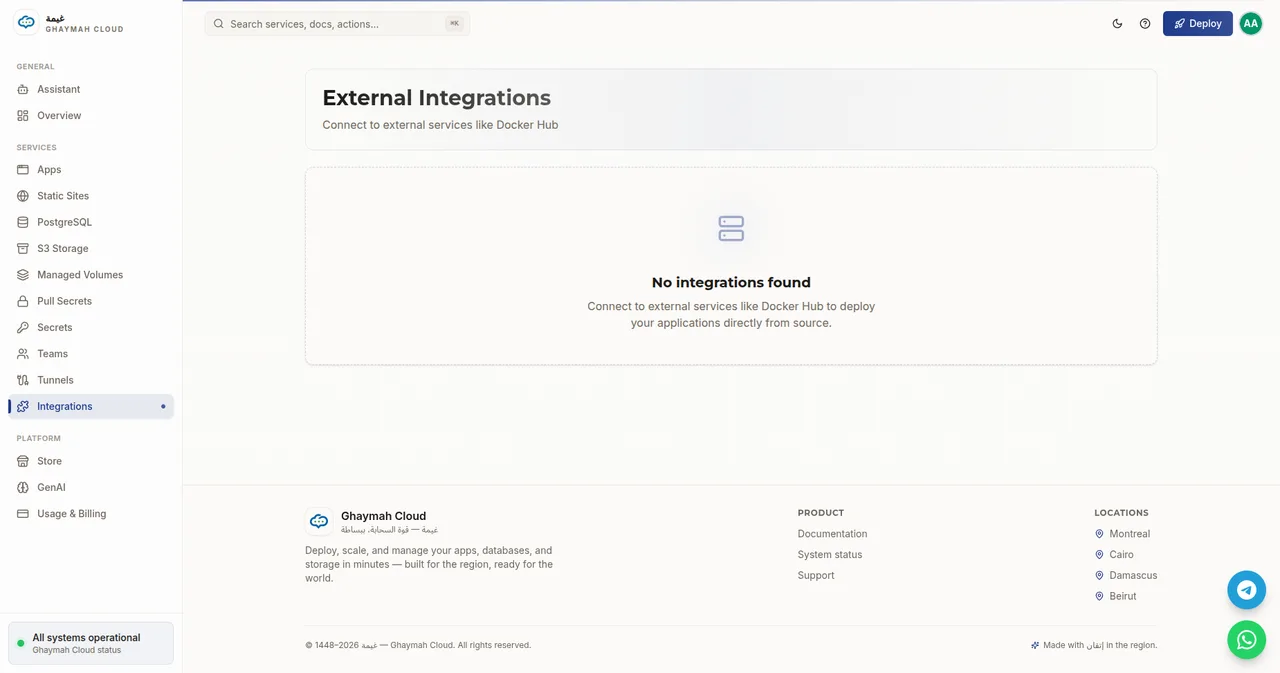
Integrations connect your Ghaymah account to external services so you can pull images and deploy from sources outside Ghaymah. The first-class example is Docker Hub: once connected, you can deploy applications directly from their source on Docker Hub.
What integrations are for
Section titled “What integrations are for”| Integration | Enables |
|---|---|
| Docker Hub | Deploy applications directly from Docker Hub images/source |
| (more coming) | Other source and registry providers |
Connecting an external service stores the minimum credentials needed to reach it, separately from your apps and your pull secrets.
Integrations vs. pull secrets
Section titled “Integrations vs. pull secrets”These two concepts both deal with external credentials, but at different levels:
| Integration | Pull secret | |
|---|---|---|
| Scope | Account-level, reusable across projects | Per-app or per-project |
| Purpose | Connect a whole external service (e.g. Docker Hub) | Let a single app pull a private image |
| Managed | In the Integrations page | In the Pull Secrets page |
Use a pull secret when a specific app needs to pull from a private registry; use an integration when you want to connect the service itself across your account. See Secrets for the pull-secret reference.
Next steps
Section titled “Next steps”- Secrets — per-app registry credentials (pull secrets)
- Apps — deploy containerized apps from any image
- Managing apps — list and delete resources