
Static Sites
Static Sites is Ghaymah’s zero-config hosting for static websites. Zip your site’s files, drop them into the dashboard, and Ghaymah serves them on a public URL in seconds. No Dockerfile, no build pipeline, no server to manage.
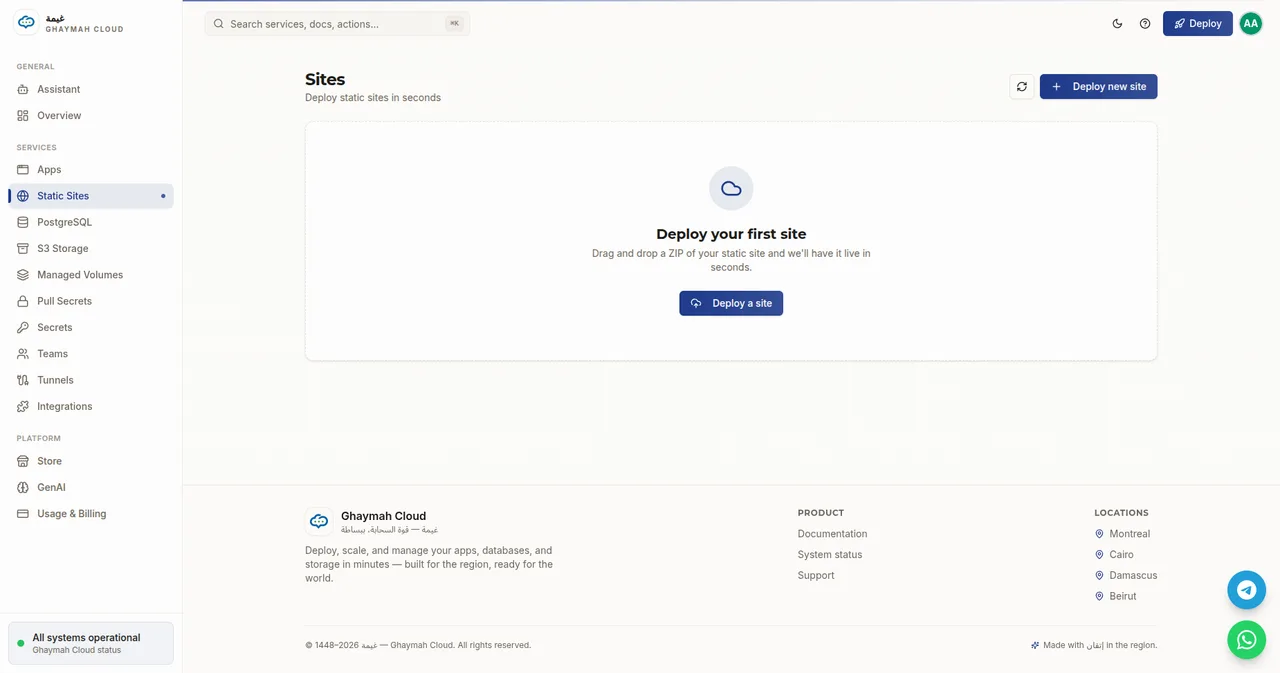
Deploy a site
Section titled “Deploy a site”- Open Static Sites in the dashboard.
- Click Deploy new site.
- Drag and drop a ZIP of your static site (up to 100 MB), or browse to select one.
- Ghaymah unpacks it and puts it live — a public URL is assigned automatically.
The ZIP should contain your site’s built output at its root — index.html plus your assets
(CSS, JavaScript, images). This is the same output a static-site generator or a
npm run build produces.
What belongs in the ZIP
Section titled “What belongs in the ZIP”| Include | Example |
|---|---|
index.html |
Your entry page (required) |
assets/, css/, js/ |
Styles, scripts, images, fonts |
404.html |
Optional custom not-found page |
_redirects / _headers |
Optional static hosting rules |
Static Sites vs. container apps
Section titled “Static Sites vs. container apps”Static Sites and Apps solve different problems:
| Static Sites | Apps | |
|---|---|---|
| What | Pre-built static files (HTML/CSS/JS) | A running container |
| Deploy | Drag-and-drop a ZIP | Pick an image or a Store template |
| Build step | Build locally, then upload the output | Packaged in the image |
| Size limit | 100 MB per ZIP | Bounded by the app size |
| Best for | Landing pages, docs, SPAs, demos | APIs, servers, anything stateful |
Update a site
Section titled “Update a site”Deploy again to replace the previous version — the new ZIP becomes the live site and the public URL stays the same.
Next steps
Section titled “Next steps”- Apps — run a full containerized app instead
- Custom domains — put your own domain on any site or app