
Teams
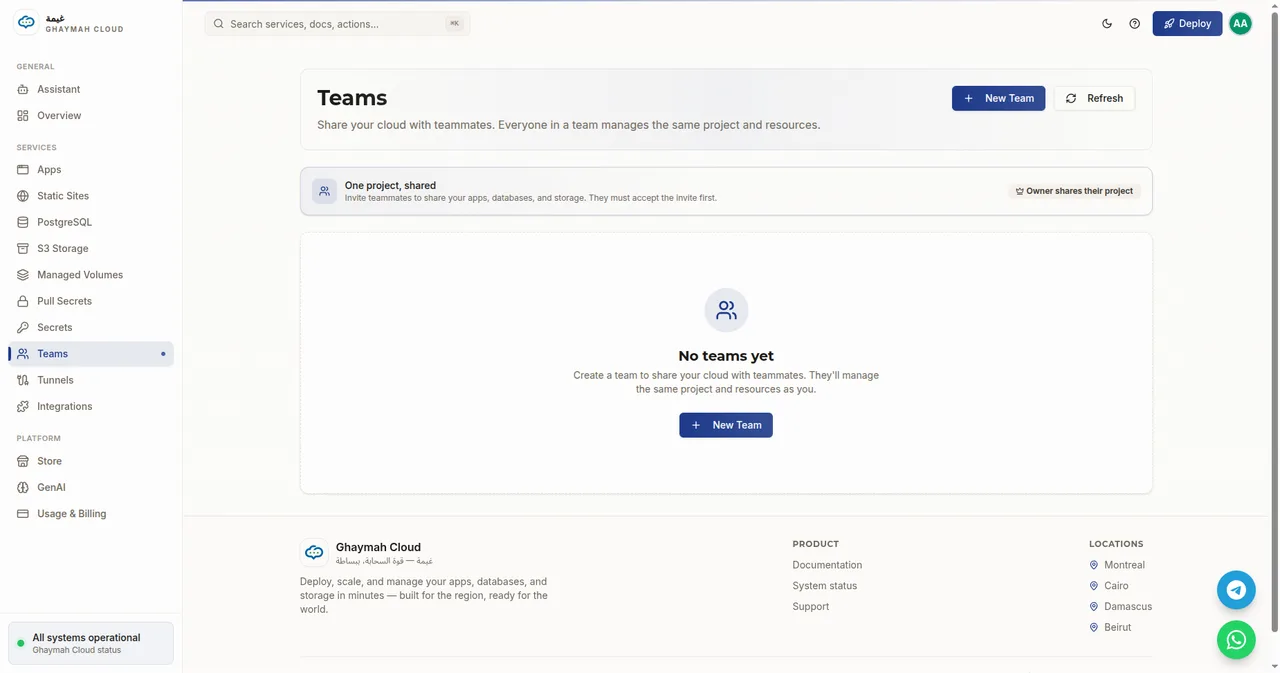
Teams let you share a project with other people. Everyone on a team manages the same project and its resources — the apps, databases, storage, and secrets in that project — so a group can collaborate without sharing account credentials.
How it works
Section titled “How it works”- One project, shared. The team operates on a single project. The owner shares their project; invited teammates join it.
- Invite-first. Teammates must accept the invite before they gain access.
- No credential sharing. Each person keeps their own Ghaymah account; the team grants access to the shared project.
Create a team
Section titled “Create a team”- Open Teams in the dashboard.
- Click New Team.
- Enter the teammate’s details (email) and send the invite.
- Once they accept, they’ll see the shared project alongside their own.
Teams vs. projects
Section titled “Teams vs. projects”A project is the isolation boundary for resources. A team is a way to give multiple people access to one project:
| Concept | What it is |
|---|---|
| Project | A container for apps, storage, databases, and secrets |
| Team | People sharing a project |
| Owner | The person who shares their project |
| Teammate | Someone who accepts an invite and joins the project |
Next steps
Section titled “Next steps”- Platform overview — how projects scope resources
- Apps — what teammates will be managing
- Billing — the owner retains the payment method