
Managed PostgreSQL
Ghaymah Managed PostgreSQL gives you a fully managed Postgres instance. You pick the version and credentials, Ghaymah handles provisioning, high availability, backups, and upgrades. You get a connection URL you can drop straight into your app.
From the dashboard
Section titled “From the dashboard”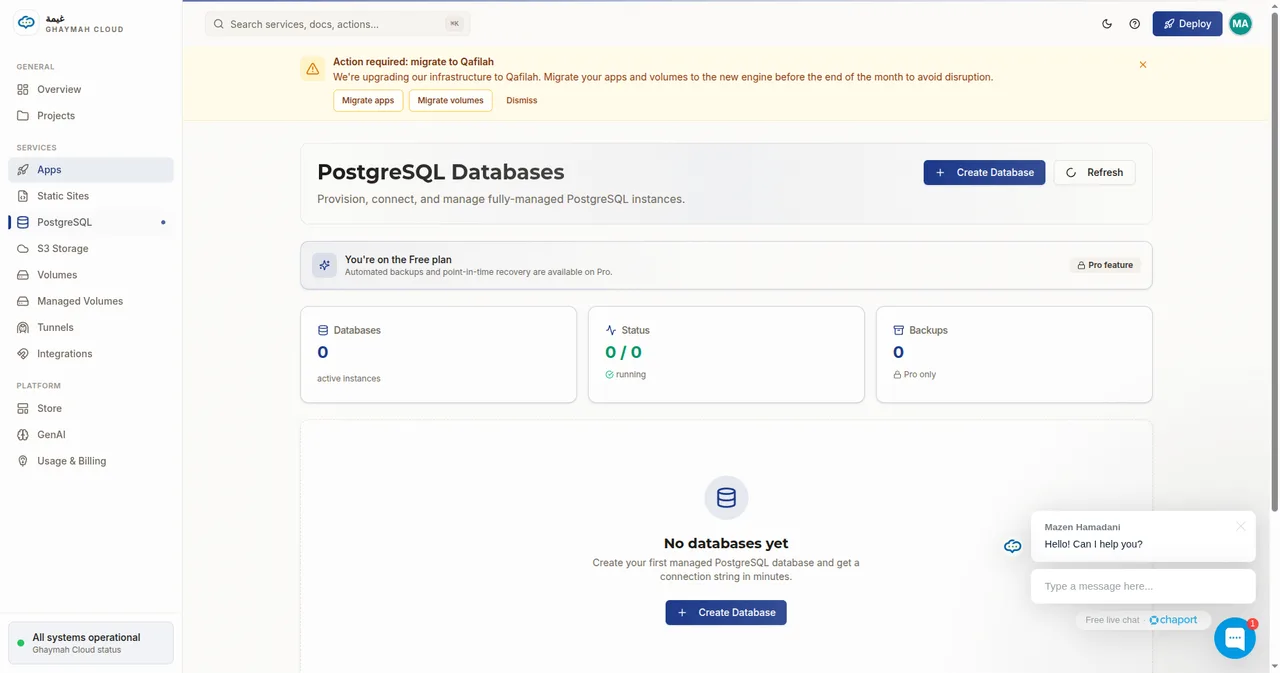
Click Create Database, choose a name, user, password, and version:
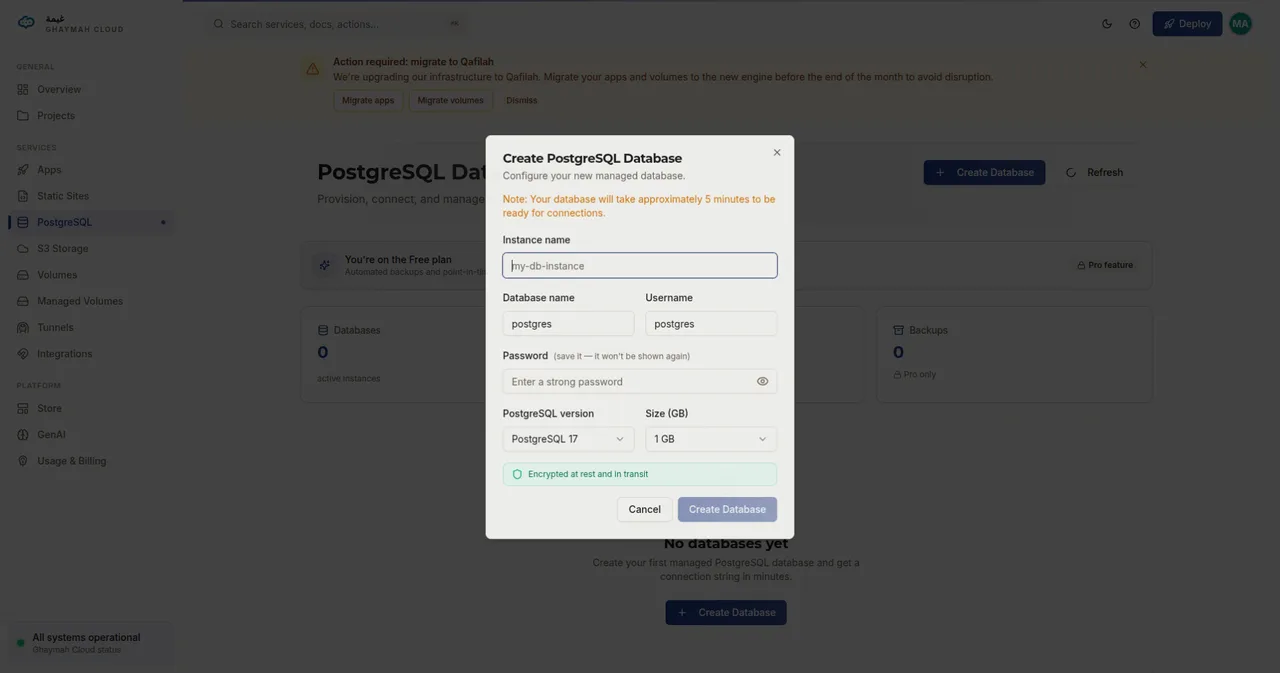
Creating a database
Section titled “Creating a database”You need a volume first — the database stores its data on it.
# 1. Create a volume for the datacurl -X POST https://api.cumin.dev/volumes \  -H "Authorization: Bearer $TOKEN" \  -H "Content-Type: application/json" \  -d '{ "project_id": "…", "name": "pg-data", "size": 21474836480 }'
# 2. Create the database on that volumecurl -X POST https://api.cumin.dev/db/postgres \ -H "Authorization: Bearer $TOKEN" \ -H "Content-Type: application/json" \ -d '{ "project_id": "…", "name": "my-db", "volume_id": "<volume-id>", "postgres_version": "16", "postgres_user": "app", "postgres_password": "a-strong-password", "postgres_db": "app" }'| Field | Meaning |
|---|---|
name |
Friendly name for the instance |
volume_id |
The volume that stores the data |
postgres_version |
Postgres major version (e.g. 16) |
postgres_user |
Username for connections |
postgres_password |
Password for the user |
postgres_db |
Name of the default database to create |
Connecting your app
Section titled “Connecting your app”The instance exposes a url connection string. Set it as an environment variable on your app:
gy config set env DATABASE_URL=postgres://app:password@<host>:5432/appgy config syncOr include it in the app’s env when creating via the API:
{ "name": "DATABASE_URL", "value": "postgres://app:password@<host>:5432/app" }Checking status and logs
Section titled “Checking status and logs”List your instances:
curl https://api.cumin.dev/db/postgres \ -H "Authorization: Bearer $TOKEN"Stream database logs:
curl "https://api.cumin.dev/db/postgres/logs/<db-id>?max=100" \ -H "Authorization: Bearer $TOKEN"Deleting a database
Section titled “Deleting a database”curl -X DELETE https://api.cumin.dev/db/postgres/<db-id> \ -H "Authorization: Bearer $TOKEN"Next steps
Section titled “Next steps”- PostgreSQL API reference — every endpoint and field
- Volumes — understand the storage behind it
- Environment variables — wire the connection URL into your app