
Dashboard
The Ghaymah dashboard is the web interface for the platform. Everything you can do with the CLI and the REST API, you can also do from the browser — and it’s the easiest way to see all of your resources in one place.
Open it at deploy.ghaymah.systems. If you’re not signed in, you’ll see the login page.
Sign in or create an account
Section titled “Sign in or create an account”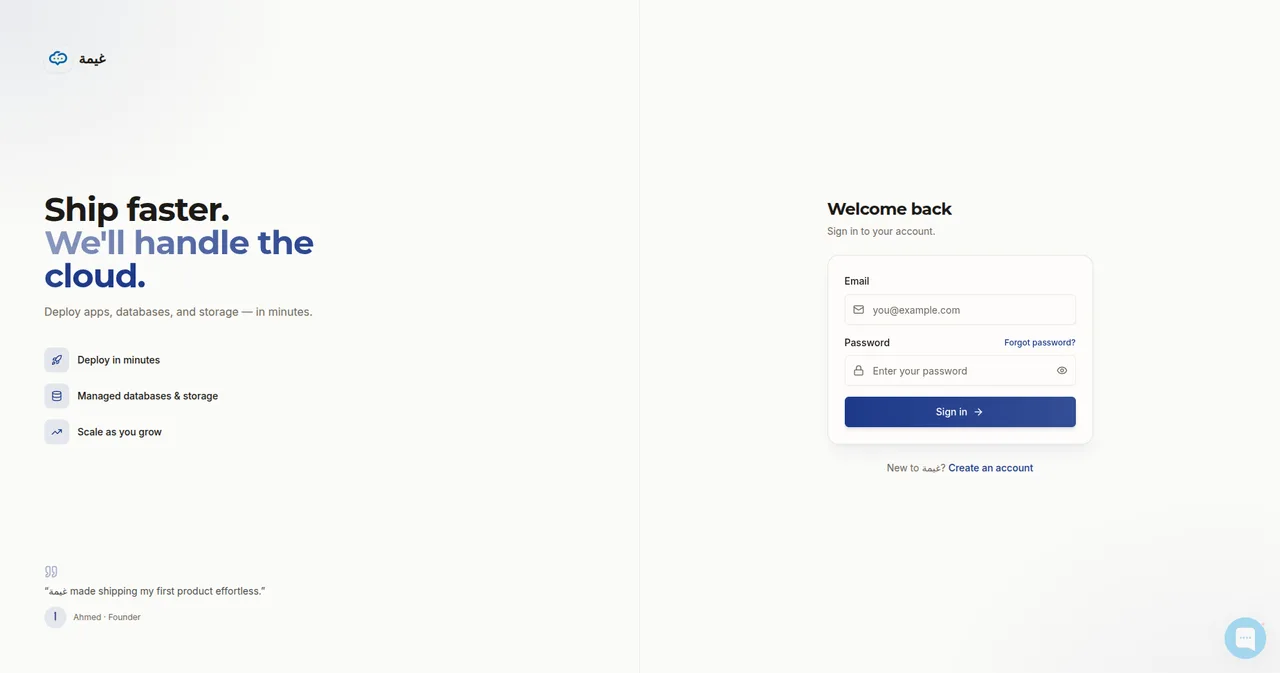
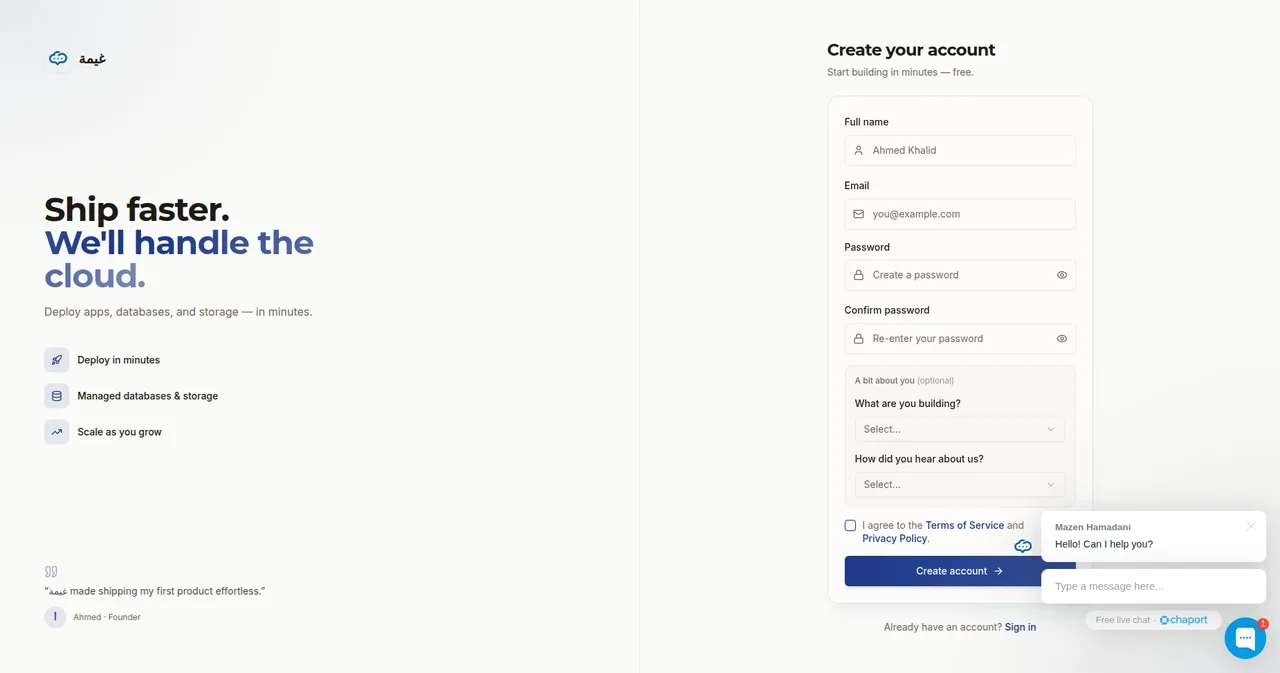
New here? Click Create an account, fill in your details, and you’re in:
The Ghaymah Assistant
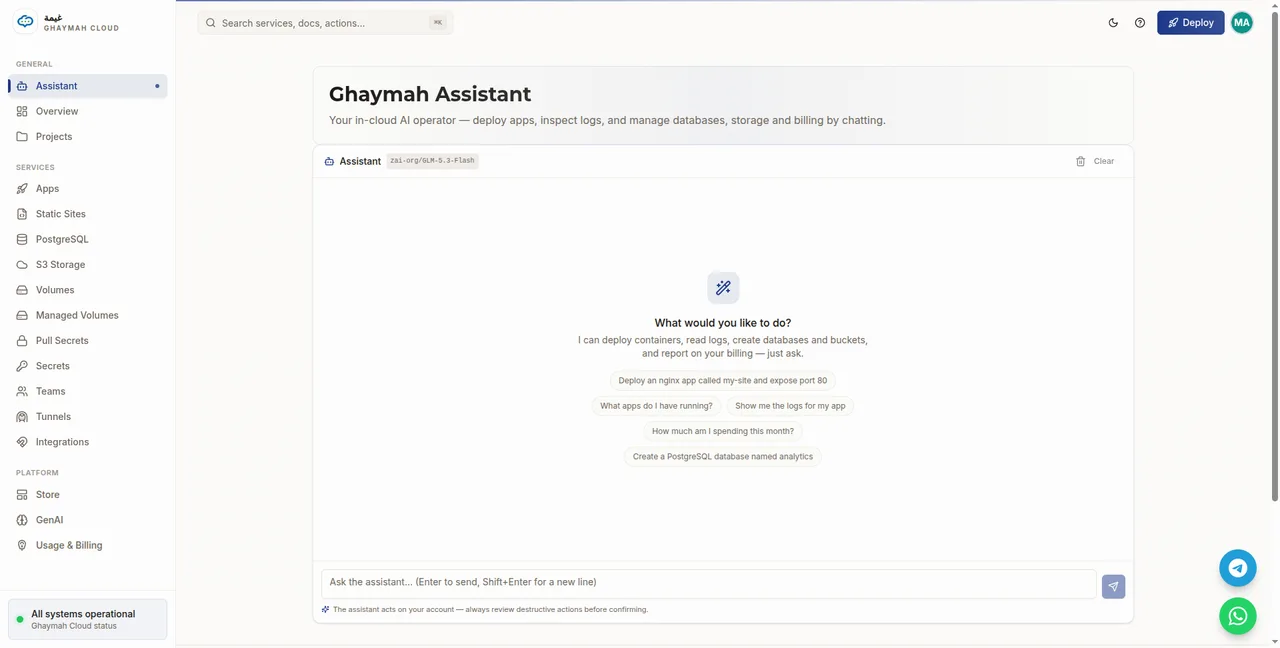
Section titled “The Ghaymah Assistant”After signing in you land on the Ghaymah Assistant — an in-cloud AI operator. Ask it to deploy an app, inspect logs, create a database or bucket, or report on billing, and it acts on your account for you.
The control center
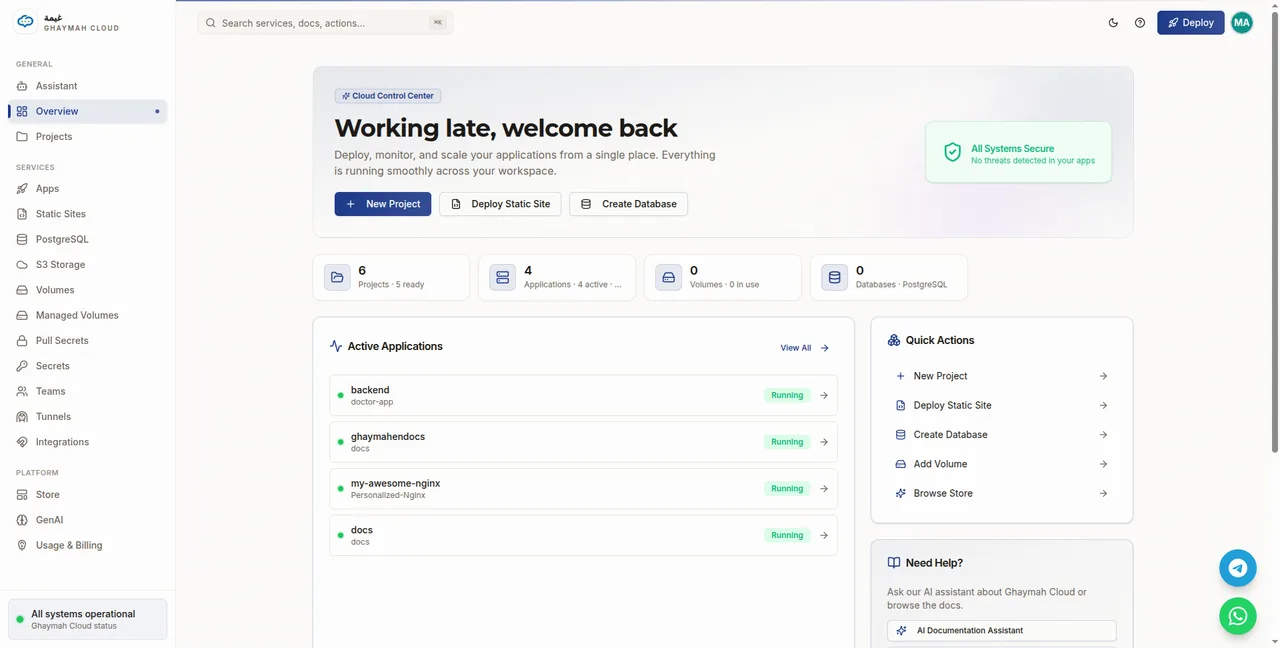
Section titled “The control center”Click Overview for the Cloud Control Center — an at-a-glance view of your projects, apps, volumes, databases, and credit usage, plus quick actions to create anything new.
Navigation
Section titled “Navigation”The left sidebar is grouped into three areas:
| Area | Section | What you’ll find |
|---|---|---|
| General | Assistant | The in-cloud AI operator (the landing page) |
| General | Overview | The Cloud Control Center and status |
| General | Projects | Your projects and the apps in each |
| Services | Apps | Deploy and manage containerized apps |
| Services | Static Sites | Drag-and-drop static site hosting |
| Services | PostgreSQL | Managed databases |
| Services | S3 Storage | Object storage buckets and keys |
| Services | Volumes / Managed Volumes | Persistent storage |
| Services | Pull Secrets | Private registry credentials |
| Services | Secrets | Key/value secrets (API keys, tokens) |
| Services | Teams | Invite and manage teammates |
| Services | Tunnels | Expose localhost |
| Services | Integrations | Third-party connections |
| Platform | Store | One-click templates and images |
| Platform | GenAI | AI/ML workloads |
| Platform | Usage & Billing | Plans, payment methods, and usage |
Projects
Section titled “Projects”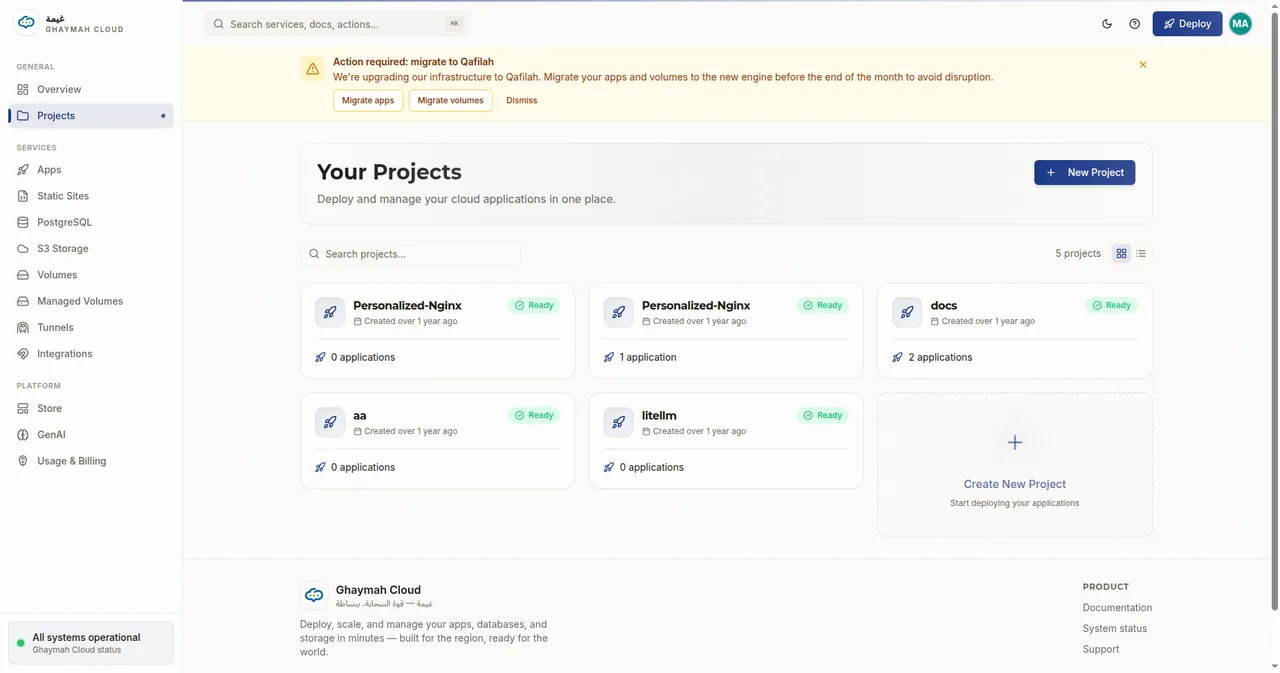
Projects are your isolation boundary — resources in one project can see each other, resources in different projects cannot. See Platform overview for how they fit together.
Secrets & pull secrets
Section titled “Secrets & pull secrets”Two pages hold your credentials, both write-only — values are encrypted and never shown again after you create them.
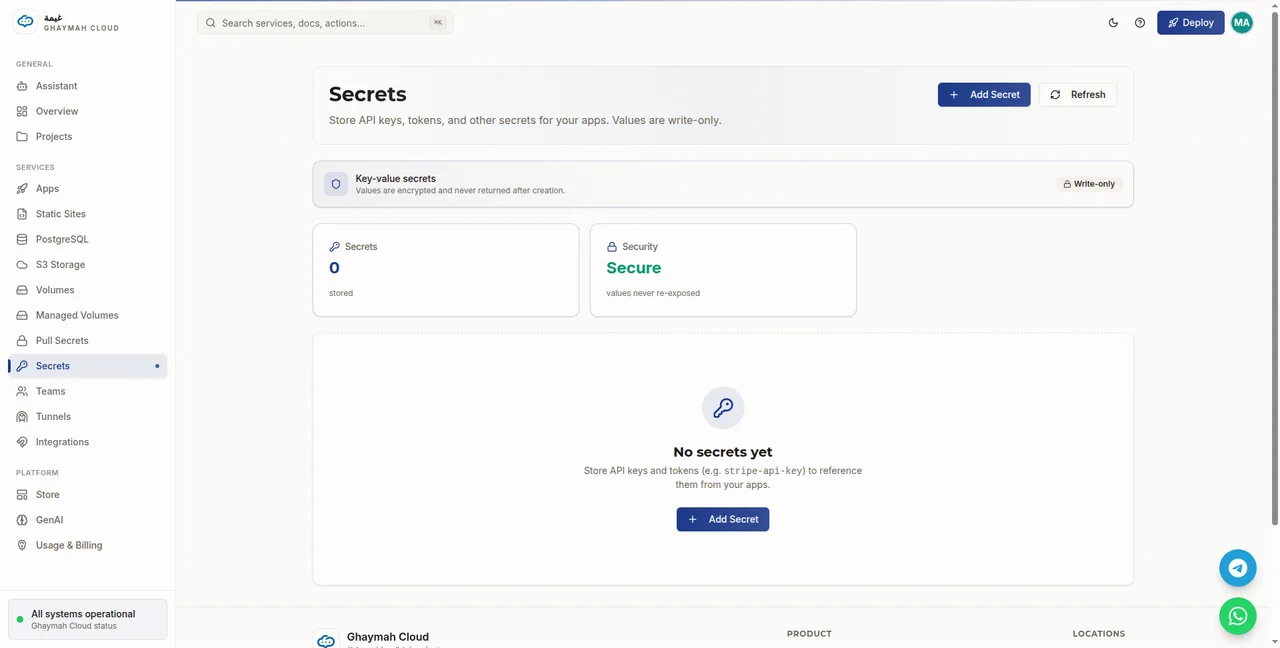
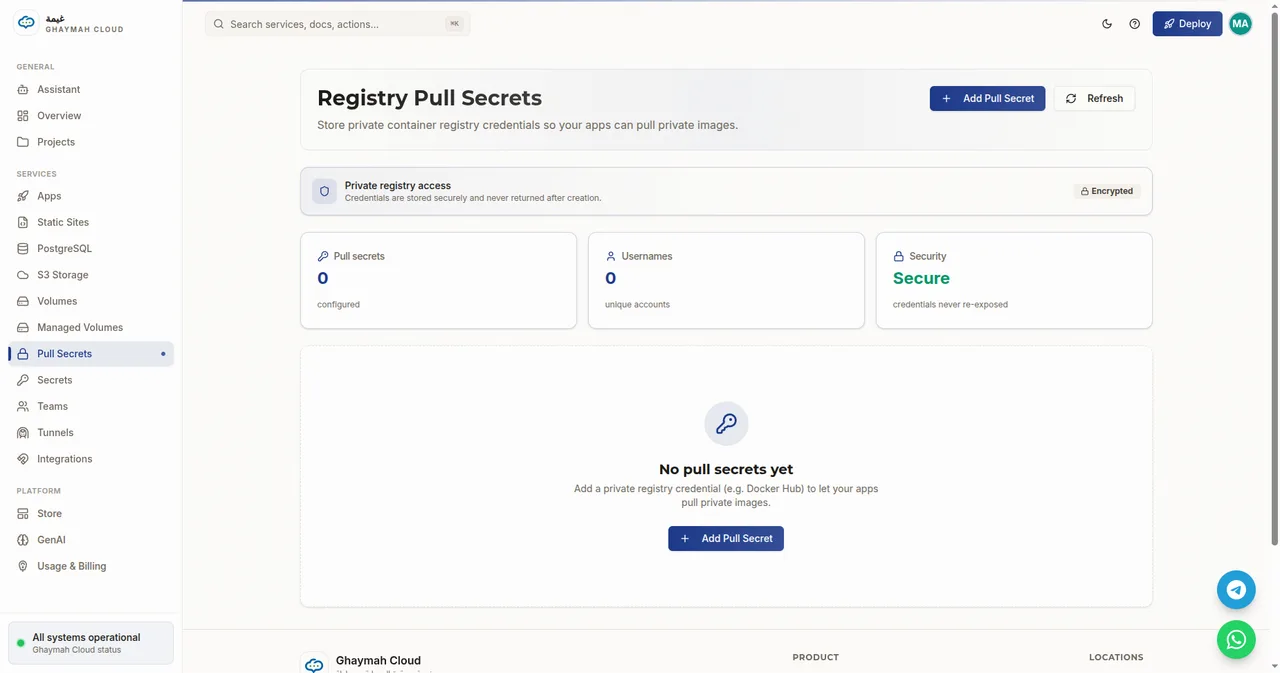
See Secrets for how to use them.
Billing
Section titled “Billing”The Usage & Billing page shows your plan, payment methods, and pay-as-you-go usage — metered by the hour across all your resources.
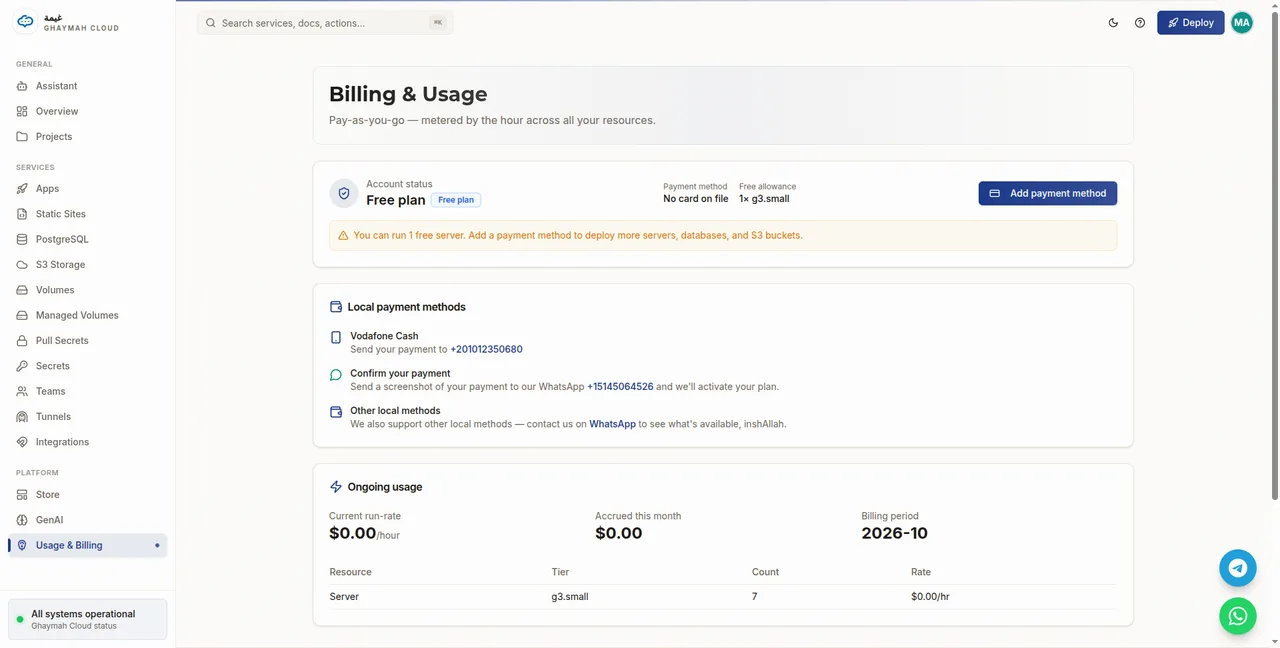
See Billing for details.
Next steps
Section titled “Next steps”Walk through each service in the dashboard:
- Apps — deploy containers
- S3 storage — buckets and access keys
- Volumes — persistent disk
- Managed PostgreSQL — databases
- Secrets — credentials
- Billing — plans and usage